

Table of Contents
Moving Dispatch Software: A Practical Overview
Moving company dispatch software for command-center clarity
Coordinate moving jobs, crews, schedules, and job-critical details from one connected workflow. MoveEmpire is designed to help dispatchers see what is planned, understand what each move requires, and keep the office aligned as the day changes.

Dispatch is where the moving plan becomes real
A dispatcher works at the center of a moving company’s day. The team needs to know which jobs are scheduled, which crew is assigned, where the move begins, what equipment may be needed, what access issues were reported, and whether anything changed after booking. That information cannot help the field if it is trapped in disconnected calendars, text messages, and handwritten notes.
Moving company dispatch software creates a structured place to coordinate the plan. MoveEmpire is being developed to connect dispatch with the customer record, estimate information, schedule, and operational notes. That shared context can help the office prepare a more complete handoff and respond more deliberately when conditions change.
See the moving schedule
Review planned work through an organized dispatch view instead of rebuilding the day from multiple calendars. The dispatcher can work from the job information recorded by sales and operations, subject to the fields and views enabled in the current product.
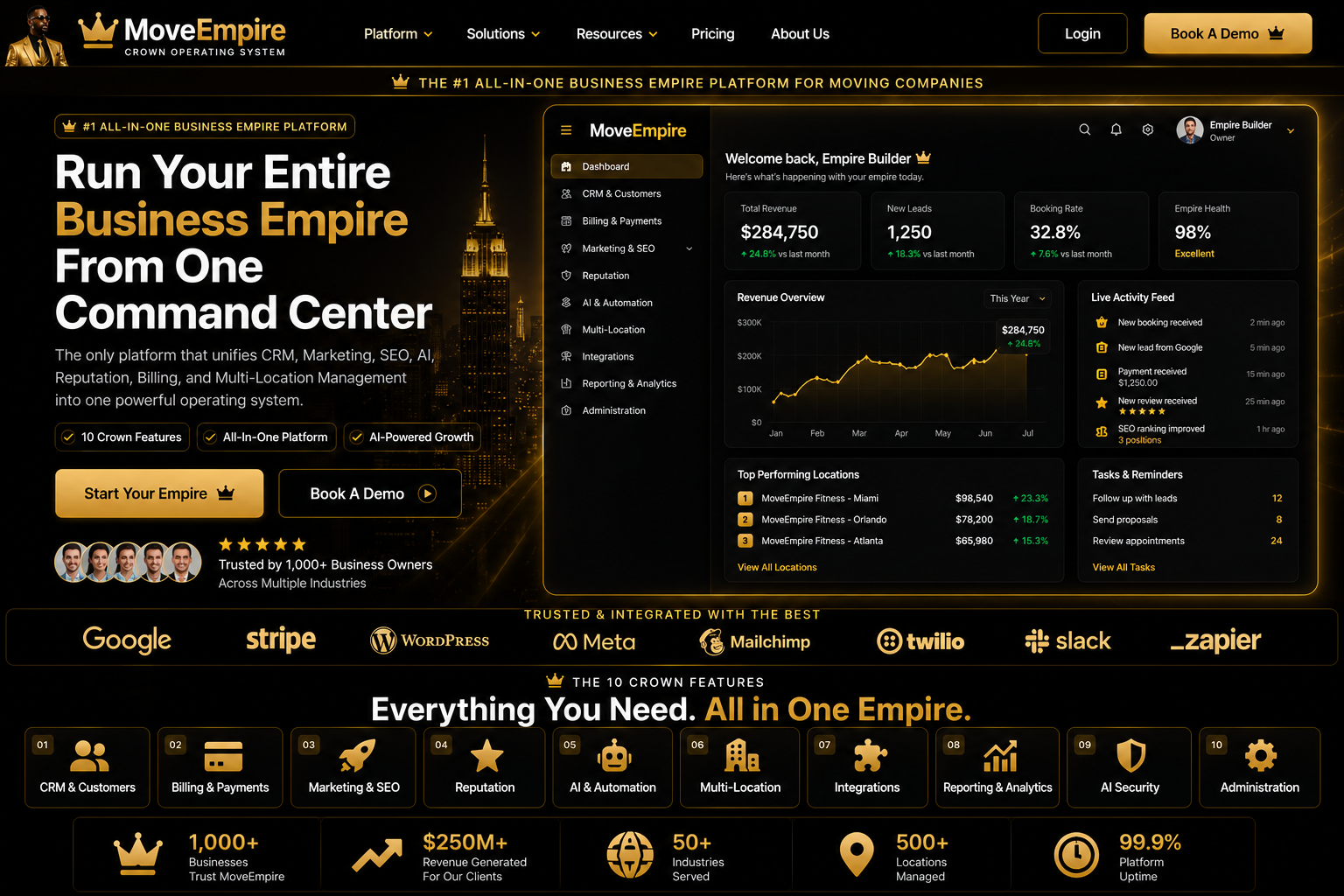
Moving Dispatch Software Visual Guide


Moving Dispatch Software FAQs
What is Moving Dispatch Software?
It is a practical workflow for organizing moving-company leads, customers, estimates, jobs, communication, and reporting in one connected system.
Who should use it?
Owners, sales teams, estimators, dispatchers, customer-service staff, and operations leaders can use it with role-appropriate access.
How does it improve lead follow-up?
It keeps inquiry details, next actions, and communication history visible so teams can respond consistently.
Can it support estimates?
Yes. Organized inventory and move details can help authorized staff prepare and review clearer estimates.
Does it help dispatch teams?
Connected job, crew, truck, date, and customer information can reduce handoff gaps during dispatch.
Can multiple locations use it?
Centralized visibility can support authorized teams across branches while preserving consistent workflows.
What information should be prepared first?
Prepare lead sources, customer fields, service types, pricing rules, user roles, and current operating procedures.
How long does setup take?
Timing depends on data quality, workflow complexity, integrations, and team availability; staged implementation is usually safest.
Is employee training important?
Yes. Training helps staff use the system consistently, protect customer information, and understand review responsibilities.
What is the next step?
Review MoveEmpire onboarding and pricing resources, document your workflow requirements, and apply for a product conversation.
Related resources: onboarding, pricing, and moving company software.
Coordinate crews and resources
Bring crew assignments, vehicles, equipment considerations, and timing into one planning conversation. A consistent workflow makes conflicts and missing assignments easier to identify before they become field problems.
Keep job details connected
Give authorized team members access to the customer, route, move scope, service notes, and special requirements they need. Better context supports a cleaner transition from booked opportunity to scheduled move.
Plan, review, adjust, communicate
Dispatch is not simply placing a crew name beside a job. It involves checking availability, understanding the move’s requirements, balancing timing, watching for overlap, and making sure the right people can find the latest information. A connected platform can reduce the manual effort involved in tracking those moving parts.
MoveEmpire’s intended workflow starts earlier than dispatch. When lead intake and estimating are organized, the dispatch team receives a stronger operational record. When scheduling changes, the update should remain visible to the people responsible for the job. The goal is continuity—from first inquiry through the day of service—without pretending that software replaces professional judgment.
That continuity becomes especially valuable on a busy day. A dispatcher may need to review a delayed start, an access update, a revised crew plan, or a customer question while other jobs remain in motion. A shared operational record can reduce avoidable searching and make the approved plan easier to communicate. It cannot prevent traffic, weather, equipment issues, or unexpected site conditions, but it can help the team respond with better information.
PLAN
ASSIGN
READY
UPDATE
REVIEW
What an organized dispatch workflow supports
Earlier conflict detection
When jobs, assignments, and timing are visible in one workflow, dispatchers can review potential overlaps and incomplete plans earlier. The system provides the context; the dispatcher still makes the decision.
Cleaner crew preparation
A structured handoff can give the field team a clearer picture of the service, locations, access, inventory notes, packing requirements, and customer instructions that were recorded.
Faster office coordination
Sales, customer service, and operations can work from connected information instead of asking the dispatcher to repeatedly reconstruct the job’s history from separate tools.
More accountable changes
Last-minute adjustments are part of moving operations. Recording approved changes in a shared workflow can help the team understand the latest plan and the reason behind it.
Stronger management review
Managers need a practical view of scheduled work, resource pressure, unresolved details, and operational follow-through. A dispatch system can create a more consistent foundation for that review.
A scalable operating process
As a moving business adds jobs, crews, services, or locations, informal dispatch becomes harder to maintain. A documented workflow gives the company something it can train, test, and improve.
Connect dispatch to the rest of the customer journey
Dispatch works best when it receives complete information and returns useful status to the office. Explore the related MoveEmpire pages for the proposed workflows that surround the dispatch function.
Moving company dispatch software FAQs
What is moving company dispatch software?
It is software that helps moving companies coordinate scheduled jobs, crews, timing, and operational details. Capabilities vary, so companies should compare their dispatch requirements with the features available in the production version.
How does dispatch connect with scheduling?
Scheduling establishes when work is planned, while dispatch focuses on preparing and coordinating the resources and information needed to execute it. MoveEmpire is designed to keep those workflows connected.
Can MoveEmpire assign crews and vehicles?
Crew and vehicle functions may depend on current product scope and account configuration. Verify the available assignment tools and test them against your real staffing and fleet process before going live.
Does MoveEmpire include GPS tracking?
Do not assume GPS or live vehicle tracking is included. Location features, mobile permissions, hardware needs, and integrations must be confirmed against the current production release.
Can dispatchers see estimate and customer details?
The platform is designed around connected records so authorized users can work with relevant customer and move context. Exact data visibility depends on enabled fields, permissions, and configuration.
Can the system send automatic crew or customer notifications?
Notification and automation capabilities may vary by release, integration, and configuration. Test the recipients, timing, message content, consent process, and failure handling before enabling live communications.
Does dispatch software replace a dispatcher?
No. Software can organize information and support the workflow, but an experienced person still evaluates staffing, timing, safety, customer needs, and real-world changes.
Can MoveEmpire support multiple branches?
The platform is intended to support growing moving operations, but branch separation, permissions, reporting, territories, and shared resources should be verified for the company’s exact structure.
Is there a mobile view for field teams?
Mobile and field access must be confirmed in the current product. Test the devices, user roles, connectivity conditions, and specific job information required by crews before deployment.
How should a moving company evaluate dispatch software?
Map the current dispatch process, list required integrations and controls, test representative jobs in a safe environment, and confirm that the live product supports the team’s scheduling, assignment, communication, and reporting needs.
Build a more connected dispatch workflow
Bring the schedule, move details, assignments, and operational context into one deliberate process. Apply to explore MoveEmpire and verify the current platform against your dispatch requirements.
Feature availability, workflows, integrations, and automation capabilities may change as MoveEmpire develops. Final production verification is required.
Dispatch and Crew Coordination
Moving dispatch software supports mover scheduling software, moving crew dispatch, moving job scheduling, crew management for movers, and a dispatch system for moving companies.
Connect the Schedule to Dispatch Information
MoveEmpire brings job dates, crew assignments, timing, customer details, and operational notes into a connected view for authorized teams. Dispatchers can review what is scheduled, identify changes that need attention, and give team members clearer responsibilities. The platform supports coordination; managers remain responsible for staffing, safety, equipment, and routing decisions.