
Table of Contents
The modern mover’s command center
Moving Dispatch Software: Complete 2026 Guide
Moving dispatch software gives owners, managers, dispatchers, salespeople, and crews one reliable place to coordinate jobs from the first lead through the final follow-up.
What Is Moving Dispatch Software?
Moving dispatch software is an operating system for assigning crews, scheduling jobs, organizing move details, tracking changes, and keeping the office and field aligned. Instead of relying on a wall calendar, a stack of paperwork, scattered text messages, and several disconnected spreadsheets, a moving company can maintain a shared view of what is happening, who is responsible, and what needs attention next.
The best dispatch workflow begins before a truck leaves the yard. It receives accurate information from sales and estimating, turns a booked move into a schedulable job, confirms that the right labor and equipment are available, shares practical instructions with the crew, records changes, and returns completed information to the office. Dispatch is not one isolated department. It is the bridge between a company’s promise and the customer’s real experience.
MoveEmpire is an owner-operated software company built from the perspective of real moving operations. Its home base is Nashville, Tennessee, while the platform is designed for moving businesses serving customers across all 50 states and supported global markets. That operating background shapes the product’s priorities: clear information, fast decisions, visible responsibility, and fewer costly surprises.

Why Dispatch Becomes the Bottleneck
A small mover may coordinate a few jobs with calls and a calendar. As demand grows, the same informal process begins to break. A salesperson books an afternoon move but dispatch sees a morning time. A crew receives an old address. A truck is assigned twice. An elevator restriction never reaches the foreman. A customer changes the inventory, but the labor plan remains unchanged. None of these failures looks dramatic by itself, yet together they create overtime, refunds, negative reviews, and exhausted employees.
The underlying problem is usually not effort. Moving teams work extremely hard. The problem is that information travels through channels that were never designed to serve as an authoritative operating record. A group text can communicate quickly, but important instructions disappear in conversation. A spreadsheet can organize rows, but it may not show which update is final. A paper bill of lading can document a move, but the dispatcher cannot use it to prevent tomorrow’s scheduling conflict.
Modern dispatch software reduces this friction by making work visible. It should show scheduled jobs, job status, assigned resources, important notes, and unresolved exceptions without forcing the user to reconstruct the day from several systems. The objective is not to make every decision automatically. It is to give responsible people enough accurate context to make better decisions sooner.
A dependable process also protects the company during busy season. When phones are ringing, customers are changing dates, and crews are already working, the team cannot depend on one person remembering every detail. Documented ownership, time-stamped changes, and a consistent schedule create operational memory. A manager can step in, understand the situation, and continue the work without restarting the conversation. That continuity supports faster service, calmer employees, and a more professional response when the unexpected happens.
The Complete Dispatch Workflow
1. Capture the Lead
Record contact details, origin, destination, move date, service type, and communication history. Clear ownership prevents duplicate or forgotten follow-up.
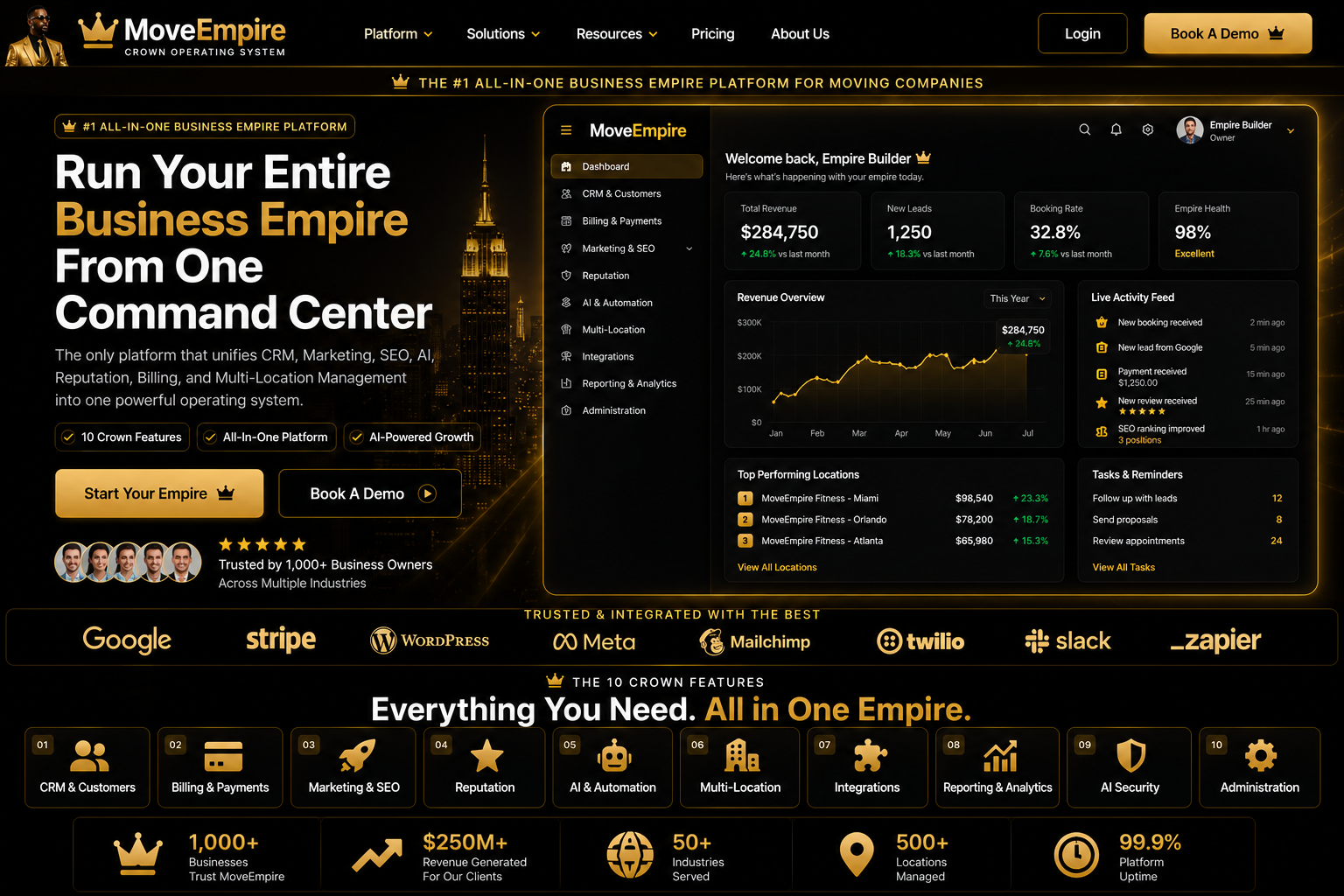
Moving Company Dispatch Guide Visual Guide


Moving Company Dispatch Guide FAQs
What is Moving Company Dispatch Guide?
It is a practical workflow for organizing moving-company leads, customers, estimates, jobs, communication, and reporting in one connected system.
Who should use it?
Owners, sales teams, estimators, dispatchers, customer-service staff, and operations leaders can use it with role-appropriate access.
How does it improve lead follow-up?
It keeps inquiry details, next actions, and communication history visible so teams can respond consistently.
Can it support estimates?
Yes. Organized inventory and move details can help authorized staff prepare and review clearer estimates.
Does it help dispatch teams?
Connected job, crew, truck, date, and customer information can reduce handoff gaps during dispatch.
Can multiple locations use it?
Centralized visibility can support authorized teams across branches while preserving consistent workflows.
What information should be prepared first?
Prepare lead sources, customer fields, service types, pricing rules, user roles, and current operating procedures.
How long does setup take?
Timing depends on data quality, workflow complexity, integrations, and team availability; staged implementation is usually safest.
Is employee training important?
Yes. Training helps staff use the system consistently, protect customer information, and understand review responsibilities.
What is the next step?
Review MoveEmpire onboarding and pricing resources, document your workflow requirements, and apply for a product conversation.
Related resources: onboarding, pricing, and moving company software.
2. Build the Estimate
Translate inventory, access conditions, distance, labor, materials, and special handling into a documented quote the customer can understand.
3. Confirm the Booking
Verify the accepted scope, timing, addresses, customer contact, deposit status, and constraints before the job enters the dispatch schedule.
4. Assign Resources
Match crew skills, availability, vehicle capacity, geography, and estimated duration to the work rather than choosing from memory.
5. Run the Move
Provide the field team with the current job record and a defined way to communicate arrival, progress, exceptions, and completion.
6. Close the Loop
Return completion details, approved changes, customer feedback, balances, documents, and follow-up tasks to the office.
Each stage should feed the next without manual re-entry wherever practical. Learn how the front end connects through moving lead management software and moving estimate software. When the same job data supports estimating and dispatch, teams spend less time copying information and have fewer opportunities to introduce errors.
Features That Matter in 2026
A visual schedule that reflects reality
The calendar should make capacity understandable at a glance. Dispatchers need to see jobs by date, time, location, service, crew, and vehicle. Color and status labels should clarify the operation, not create visual noise. Useful scheduling also distinguishes tentative opportunities from confirmed bookings and completed work.
Crew and vehicle assignment
A name on a calendar is not enough. Dispatchers benefit from knowing availability, relevant skills, planned hours, capacity, and conflicts. Vehicle assignment should consider job size, access, distance, equipment, and maintenance availability. The software should support judgment by presenting the right information together.
Mobile-ready job information
Field teams need a focused view of what matters: addresses, contact instructions, arrival window, inventory or scope, special items, access notes, authorized changes, and completion steps. A smaller screen should not require workers to navigate the entire back office. Mobile access must be clear, fast, and based on appropriate permissions.
Automated communication
Confirmation and reminder workflows can reduce missed appointments and repetitive office work. Automation should support clear milestones, such as booking confirmation, upcoming-move reminders, crew assignment, arrival communication, and post-move follow-up. Messages still require accurate templates, appropriate consent, and human review when an exception occurs.
Reporting and accountability
Owners should be able to understand scheduled revenue, capacity, completion status, labor planning, cancellations, and operational exceptions. A report is valuable only if its definitions are consistent and the underlying data is maintained. Start with a small group of metrics that influence decisions, then expand after the team trusts the process.

How Better Dispatch Improves Profit
Dispatch has a direct relationship with margin. A poor assignment may increase drive time, create overtime, leave capacity unused, or send an oversized crew to a small job. Incomplete notes can force a second trip for equipment. An unrealistic duration can disrupt every job scheduled afterward. Better information does not remove every variable from moving, but it gives management a way to identify patterns and improve planning.
Capacity is especially important. A calendar may look full while the company is still using trucks and labor inefficiently. Conversely, an apparently open slot may not be sellable because available resources are already committed geographically. Dispatch software should help operators distinguish calendar space from real capacity. This makes marketing and sales decisions more responsible because the company can pursue the work it can actually serve.
Customer experience improves at the same time. Customers value accurate arrival windows, consistent communication, prepared crews, and a company that remembers what was discussed. The dispatcher often determines whether those expectations become reality. A shared job record lets the company respond confidently instead of asking the customer to repeat information.
Dispatch for Local, Long-Distance, and Multi-Location Movers
Local moving dispatch centers on daily capacity, travel time, crew readiness, parking, building restrictions, and realistic job duration. Routes may be short, but one delayed morning move can affect several afternoon customers. Clear status updates and controlled schedule changes matter because the operating window is compressed.
Long-distance dispatch adds coordination across days and jurisdictions. Teams may need origin and destination contacts, delivery windows, overnight planning, documentation, customer updates, and contingency decisions. The authoritative job record becomes even more important because the customer and crew cannot simply return to the local office to resolve a misunderstanding.
Multi-location operators need both local control and executive visibility. A Nashville dispatcher should manage Nashville work without unnecessary interference, while the owner may need a consolidated picture across branches. Standard job statuses, data definitions, permissions, and escalation rules allow locations to operate consistently while preserving appropriate responsibility.
MoveEmpire supports operators in Nashville, across the United States, and in supported international markets. Platform availability does not mean MoveEmpire maintains a physical office in every market. Read more about scalable operations in the multi-location moving company software guide.
Choosing Moving Company Dispatch Software
Begin with the workflow rather than a feature checklist. Document how a lead becomes an estimate, how a booking reaches dispatch, how assignments are approved, how changes are communicated, and how jobs are closed. Ask the people doing the work where information is delayed, duplicated, missing, or difficult to trust. Those observations should guide the evaluation.
Next, test realistic scenarios. Schedule two jobs that compete for the same crew. Change an address after booking. Add a bulky item that affects equipment. Reassign a foreman. Record a delayed arrival. Close a completed move and verify that follow-up is visible. A polished demo can make every platform look easy; a practical scenario reveals whether the system fits the operation.
Consider usability and adoption. Software cannot improve dispatch if the team maintains a parallel shadow process because the official system feels confusing. Define which record is authoritative, assign administrators, train users by role, and establish simple standards for status, notes, and schedule changes.
Finally, evaluate the commercial model. Consider setup effort, training, migration, integrations, support, future locations, and the cost of continuing with the current process. MoveEmpire’s introductory offer is $130 per month for months 1–12, totaling $1,560 for the first year, followed by the regular $500 per month beginning in month 13. Confirm current terms and included capabilities before purchasing because product scope and offers can change.
A 30-Day Implementation Plan
Week 1: map and clean
List the current lead, estimate, booking, dispatch, field, and closeout steps. Identify the source of truth for customer and job information. Clean obvious duplicates and decide which historical records truly need migration. Name an owner for the implementation and one representative from each critical role.
Week 2: configure the operating model
Set users and access, define job statuses, establish scheduling conventions, create required fields, and prepare communication templates. Configure a small number of essential views first. Avoid reproducing every legacy workaround before the team understands the new workflow.
Week 3: pilot real jobs
Run a controlled group of active moves through the complete process. Observe sales, dispatch, crew, and closeout handoffs. Record questions and errors. Correct the workflow and training material rather than teaching employees to invent new side processes.
Week 4: launch and review
Move the broader team into the defined system, keep support accessible, and review exceptions each day. After the first full week, examine adoption, missing data, late changes, and reporting quality. Schedule another review after 30 and 90 days so the process continues improving.
Dispatch Automation Without Losing Human Judgment
Automation is most useful for repeatable work with clear rules. It can send reminders, create follow-up tasks, flag missing details, update a status after an approved action, or notify a responsible person when a deadline approaches. These steps reduce administrative load and make consistency easier.
Complex operational decisions still require context. A computer may recognize that two crews are available, but a dispatcher may know that one has the right equipment, experience, language capability, or geographic position. The strongest model keeps people responsible for consequential decisions while software gathers information, highlights conflicts, and carries out approved routine steps.
Every automation needs an owner, trigger, intended outcome, and exception path. Review automated messages after pricing or policy changes. Avoid sending a confident customer update when the underlying job status is uncertain. Give staff a clear way to pause or correct an automation when reality changes.
Owner-Operated Software Built for Movers
MoveEmpire is owner-operated, which means the platform’s direction is tied closely to the practical realities of service businesses and moving companies. The objective is not to add technology for appearance. It is to help a company build a repeatable operating system that supports sales, estimating, dispatch, communication, multi-location management, and responsible growth.
That perspective matters because dispatch is not merely a digital calendar. It is where promises, people, equipment, time, geography, and customer expectations collide. The software must help the owner see the business, help managers guide it, help dispatchers coordinate it, and help crews complete the work.
Companies can explore the wider platform through moving company software, compare the CRM workflow through moving company CRM software, or review how AI may support operations in AI software for moving companies.
Frequently Asked Questions
1. What does moving dispatch software do?
It helps moving companies schedule jobs, assign crews and vehicles, share current move details, track status, coordinate changes, and maintain a consistent operating record from booking through completion.
2. Is dispatch software only for large moving companies?
No. Small companies can use it to replace fragile manual processes, while larger and multi-location operators can use it to standardize visibility, permissions, reporting, and coordination across teams.
3. Can MoveEmpire connect sales, estimates, and dispatch?
MoveEmpire is designed around connected moving-company operations so lead information, estimating details, booking decisions, and dispatch work can follow a clearer workflow. Confirm the exact current features and integrations required by your company.
4. How does software reduce scheduling mistakes?
A shared schedule makes assignments, conflicts, statuses, and changes more visible. It can reduce mistakes caused by duplicate calendars or outdated messages, although teams still need accurate data and responsible review.
5. Does dispatch software replace a dispatcher?
No. It supports dispatchers by organizing information, highlighting conflicts, and automating repeatable tasks. Human judgment remains essential for complex assignments, customer situations, safety, and real-world exceptions.
6. Can crews access job details on mobile devices?
A mobile-ready workflow can provide crews with the current addresses, instructions, scope, and status actions appropriate to their role. Exact mobile capabilities should be verified during product evaluation.
7. How long does implementation take?
Timing depends on data quality, company size, workflow complexity, integrations, and training. A focused company can pilot a core workflow in approximately 30 days, then improve it in planned phases.
8. What does MoveEmpire cost?
The stated introductory price is $130 per month for months 1–12, or $1,560 for the first year. The regular price is $500 per month beginning in month 13. Confirm current terms before purchasing.
9. Where is MoveEmpire available?
MoveEmpire is based in Nashville, Tennessee, and is intended for moving operations serving all 50 U.S. states and supported global markets. Software availability does not imply a physical office in every location.
10. What should I prepare before switching systems?
Document the current workflow, clean essential customer and job data, define statuses and responsibilities, choose administrators, list required integrations, and identify a small group of real jobs for the pilot.
Build a Clearer Dispatch Operation
Moving dispatch software should make the day easier to understand and the business easier to manage. The right system connects accurate sales information with practical field execution, gives responsible people a shared view of work, and creates a foundation for improvement as the company grows.
MoveEmpire brings that vision into one colorful, modern command center for owner-operated movers, expanding teams, and multi-location organizations. Start with the workflow that causes the most friction, establish a dependable source of truth, and build from there.
A Complete Dispatch Workflow
This moving dispatch software guide covers a moving crew scheduling guide, mover dispatch management, moving job assignment software, dispatch workflow for movers, and crew coordination software.
moving company dispatch guide Decision Checklist
Use moving company dispatch guide to document ownership, review steps, and measurable goals. Compare each moving company dispatch guide workflow against current response time, data quality, staff responsibilities, and customer experience. A successful moving company dispatch guide rollout includes training, permissions, testing, and regular review. Evaluate moving company dispatch guide with clear requirements instead of choosing features in isolation.
For industry compliance and consumer-protection context, review the FMCSA Protect Your Move program.
moving dispatch software: Practical Evaluation
moving dispatch software should support clear ownership, consistent review, and measurable business goals. Compare each moving dispatch software workflow with the process your team uses today. Test moving dispatch software with realistic leads, estimates, jobs, and customer updates before full rollout. Review moving dispatch software results regularly with the employees who use the system.